Color online
Pick a drawing to color:
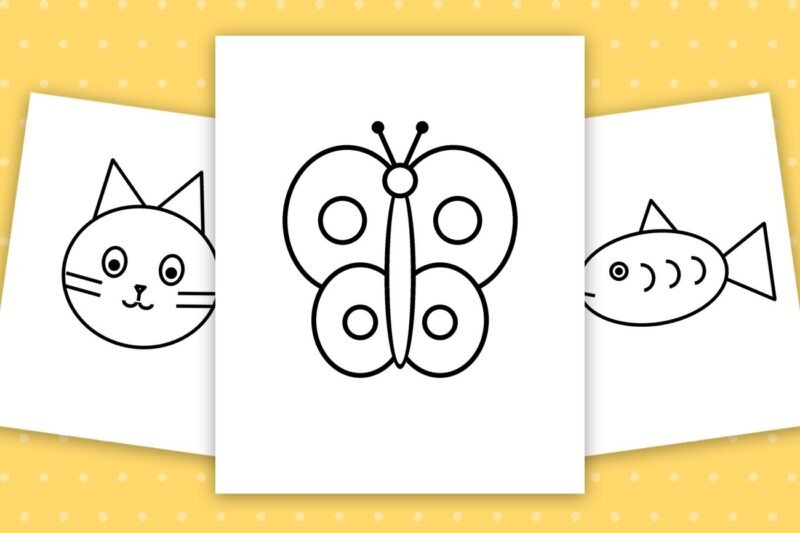
Free Butterfly Coloring Pages for Kids
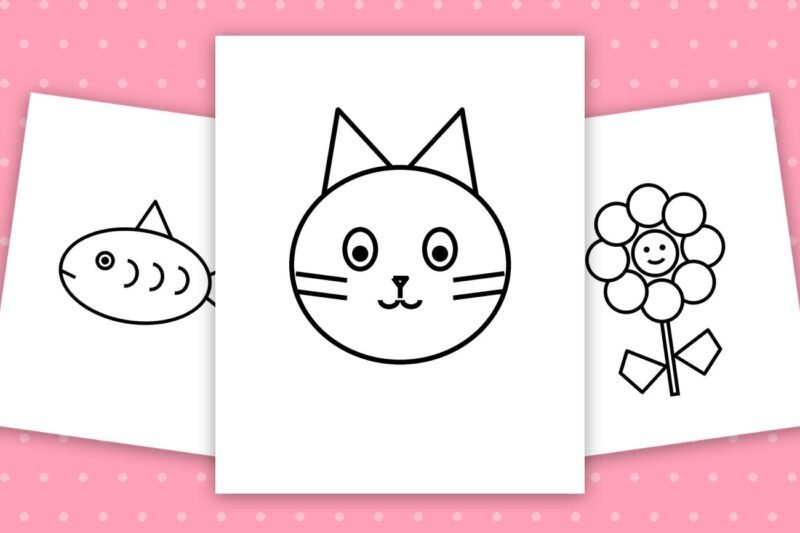
Free Cat Coloring Pages for Kids
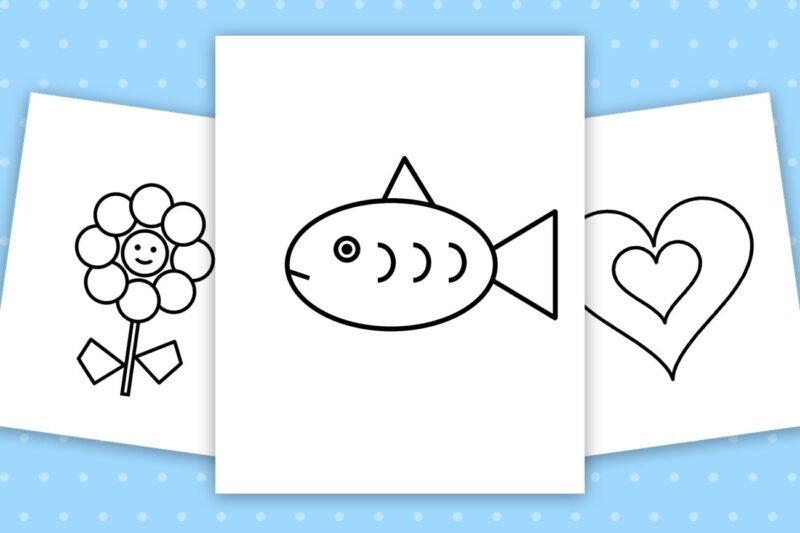
Free Fish Coloring Pages for Kids

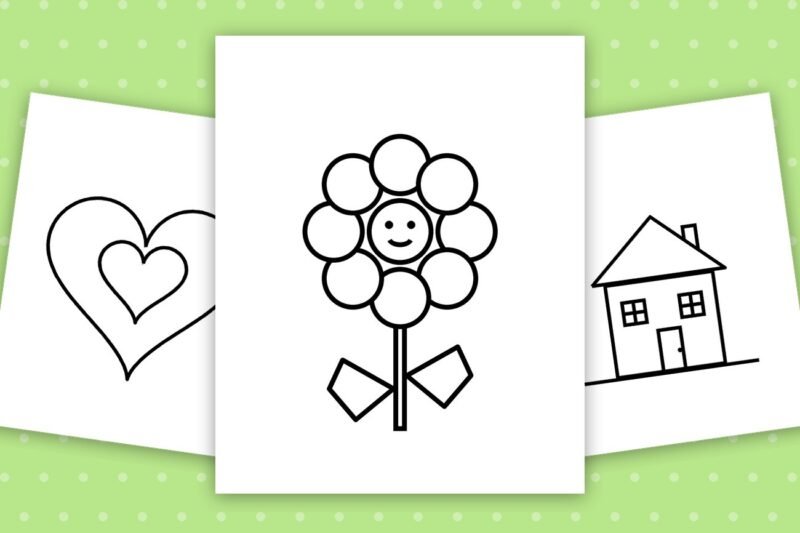
Free Flower Coloring Pages for Kids

Free Heart Coloring Pages for Kids

Free House Coloring Pages for Kids
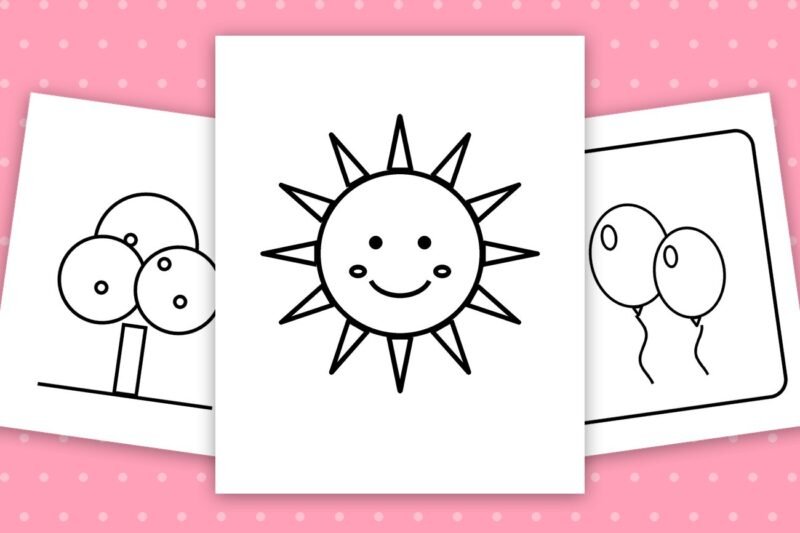
Free Star Coloring Pages for Kids
Free Sun Coloring Pages for Kids
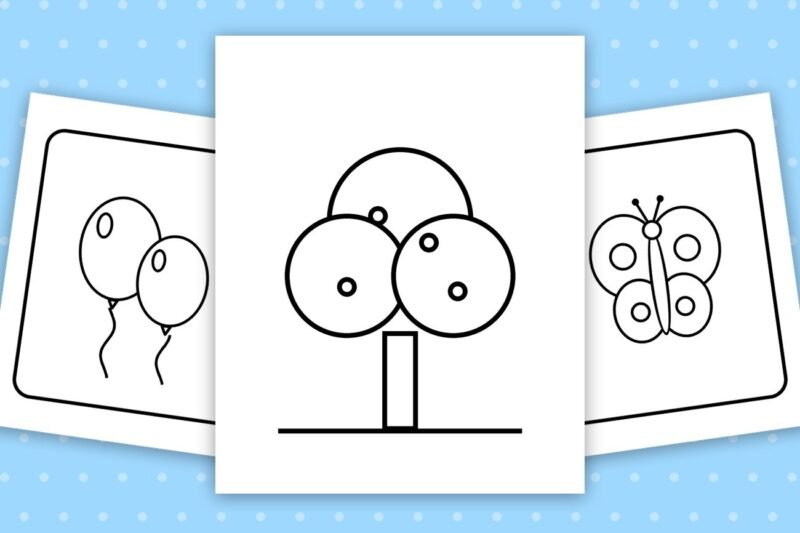
Free Tree Coloring Pages for Kids
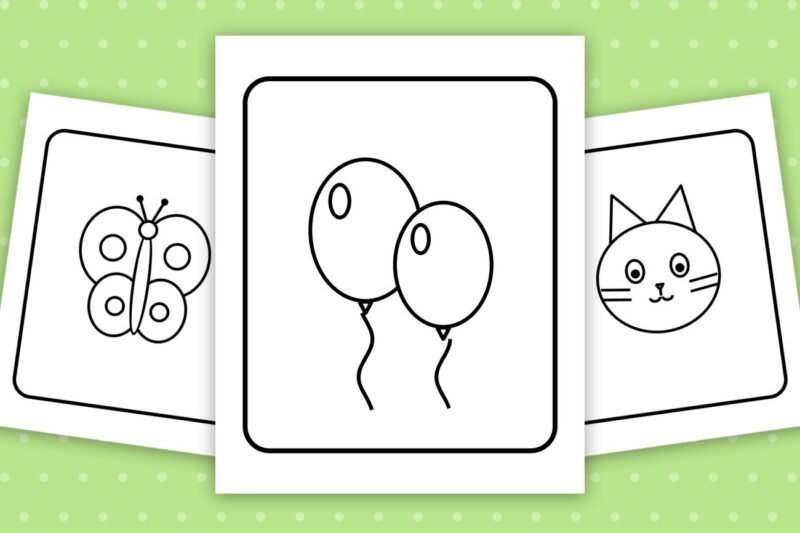
8 Easy Balloon Coloring Pages with Frames
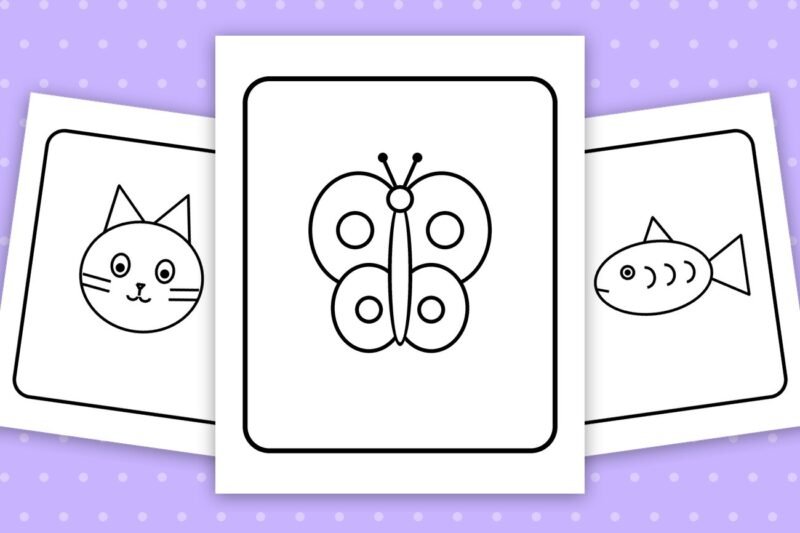
8 Easy Butterfly Coloring Pages with Frames
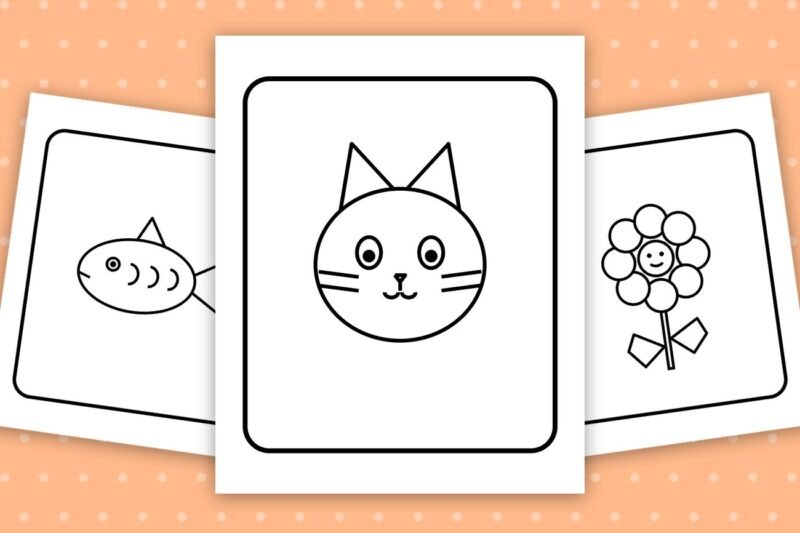
5 Easy Cat Coloring Pages with Frames
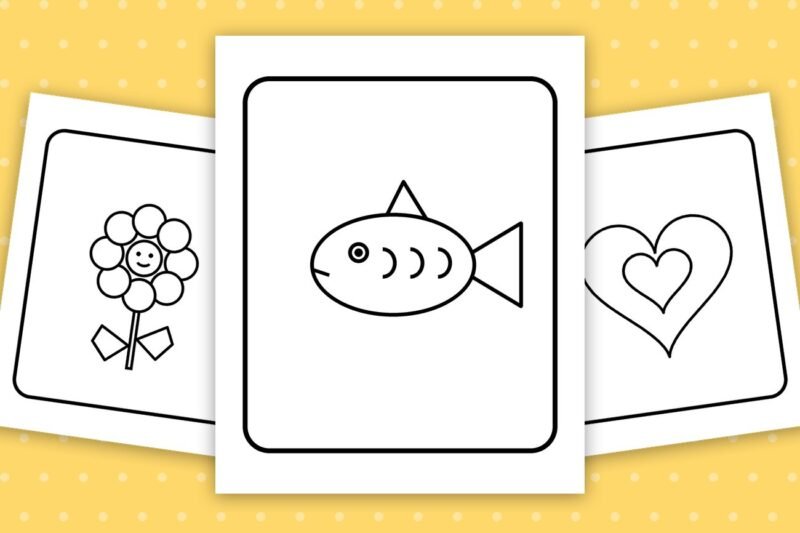
5 Easy Fish Coloring Pages with Frames

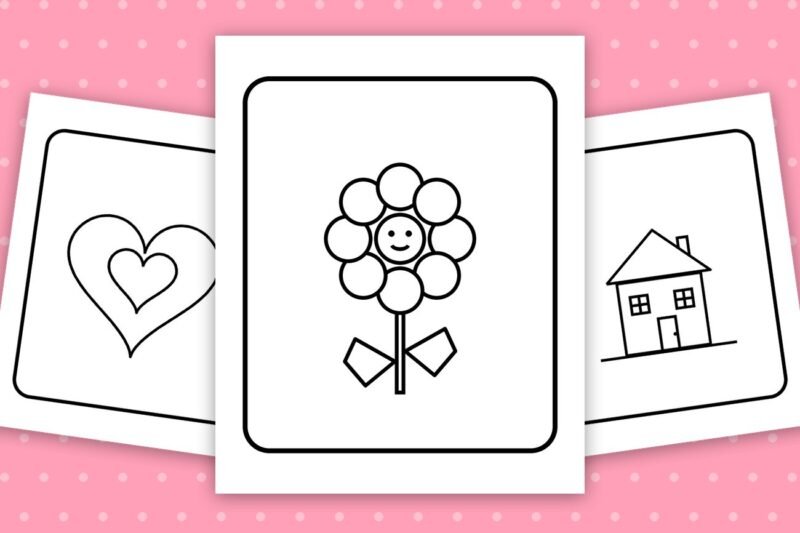
8 Easy Flower Coloring Pages with Frames

8 Easy Heart Coloring Pages with Frames
8 Easy House Coloring Pages with Frames
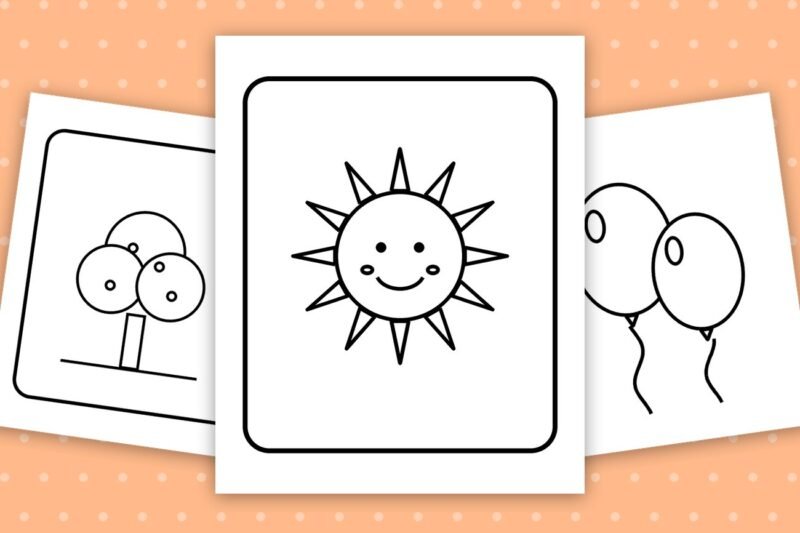
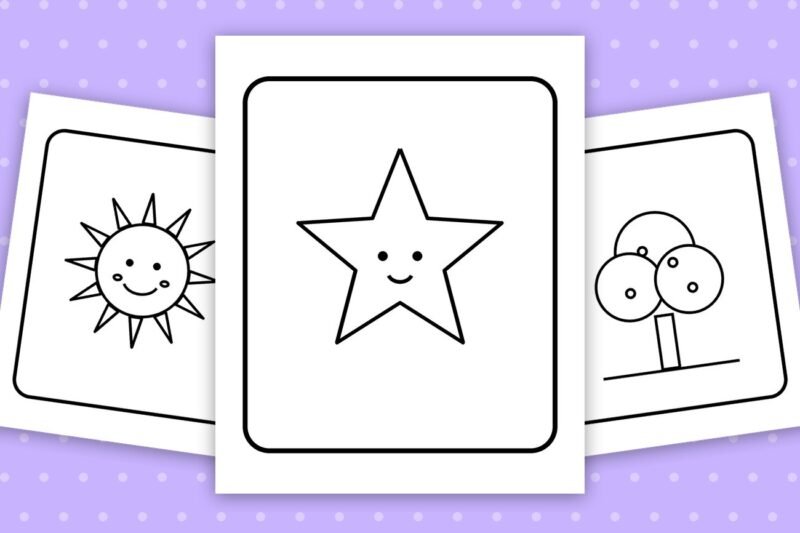
8 Easy Star Coloring Pages with Frames
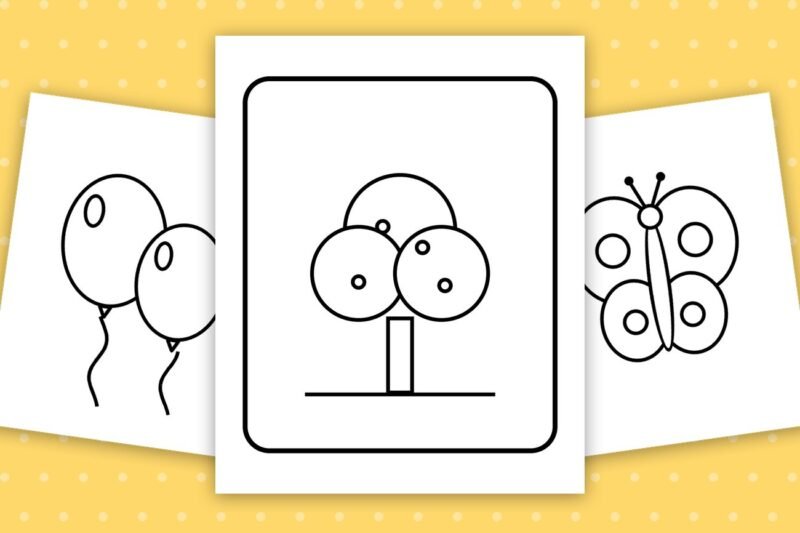
5 Easy Sun Coloring Pages with Frames
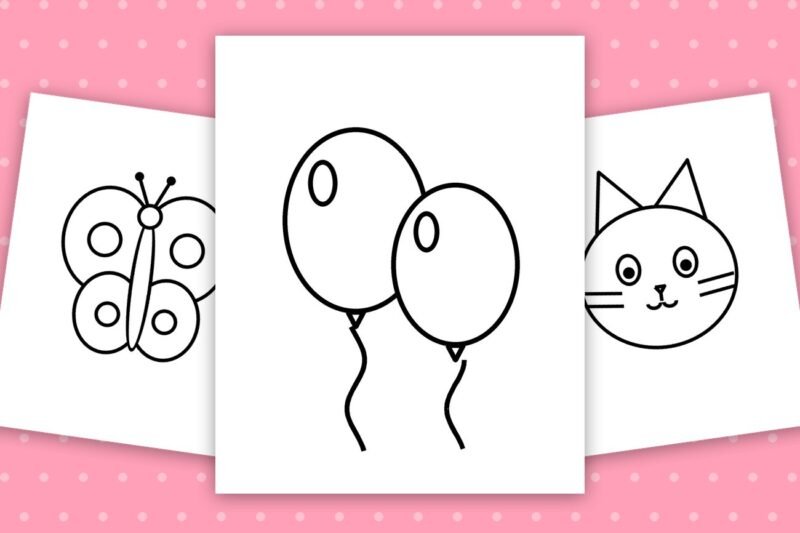
8 Easy Tree Coloring Pages with Frames
How to use the coloring tool
This free tool lets you color any coloring page right here in your browser. You do not need to install anything, sign up or own a printer. Your picture is colored on your own device, so nothing you color is uploaded to our servers.
Quick start
- Pick a color. Tap one of the ready colors on the right, or use Pick any color to choose any shade you like.
- Choose a tool. The Bucket fills a whole area with one tap. The Brush lets you draw freely for small details.
- Color the picture. Tap or click inside an area with the Bucket, or drag across the picture with the Brush.
- Save it. Press Download PNG for a picture, Download PDF for a print-ready page, or Print to send it straight to your printer.
What every button does
Bucket
Fills the area you tap with the selected color. It works best on closed shapes. Tap the same area again with another color to change it.
Brush
Draws with the selected color. Use the Brush size slider: small for eyes and patterns, large for backgrounds. The black outlines always stay visible on top of your colors.
Colors
Choose from the ready colors, or use Pick any color to open the color picker and use any color you can imagine.
Undo
Takes back your last action. You can go back up to 12 steps.
Clear
Removes all your colors and gives you the empty drawing again.
Download PNG
Saves your colored picture as an image that you can keep, share or post.
Download PDF
Saves your colored picture as a PDF page, ready to print, without losing quality.
Opens your browser print window with only your colored picture on the page.
Tips for the best result
- Fill the big areas first with the Bucket, then add details such as eyes, dots and patterns with a small Brush.
- For shading, paint a darker color with the Brush over a filled area. Colors blend a little, like real markers.
- Try light colors first. You can always make an area darker later, but it is harder to make it lighter.
- On a phone or tablet, touching the picture colors it. To scroll the page, put your finger on the space beside or below the picture. Turn your phone sideways for a bigger picture.
- Your work is not saved automatically. Download it before you close or refresh the page.
Something not working?
The color spilled over the whole picture
There is a tiny gap in an outline. Press Undo, choose the Brush, pick black and close the gap with a small dot. Then use the Bucket again.
A tiny area stays white
Very small spaces between lines cannot always be filled by the Bucket. Use the Brush with a small size to color them.
The picture does not load
Check your internet connection and refresh the page. If it still does not appear, go back and press Color Online again.
Download or PDF does not start
Make sure downloads are allowed for this website in your browser. For big pictures the PDF can take a few seconds to prepare. The tool works in the latest Chrome, Edge, Firefox and Safari.
The print window does nothing
Turn off any pop-up or print blocker for this site, or press Download PDF and print the PDF file instead.
I lost my colored picture
Colored pictures live only in your browser and are not saved on the website. Press Download PNG or Download PDF before you leave the page.
Questions and answers
Is the tool free?
Yes. You can color as many pages as you like, with no account needed.
Does it work on phones and tablets?
Yes. It runs in your browser on computers, tablets and phones. Just tap or drag with your finger.
Can I color my own photo or drawing?
Not at the moment. The tool works with the coloring pages on this website. Open any page and press Color Online.
Can I use my colored picture?
For personal and classroom use, yes. For anything else, please read the Terms and Conditions page.
Is my picture uploaded anywhere?
No. All the coloring happens inside your own browser. Nothing is sent to our servers.